01
Computer Hardware & Peripheral Support
components, installation and diagnosis
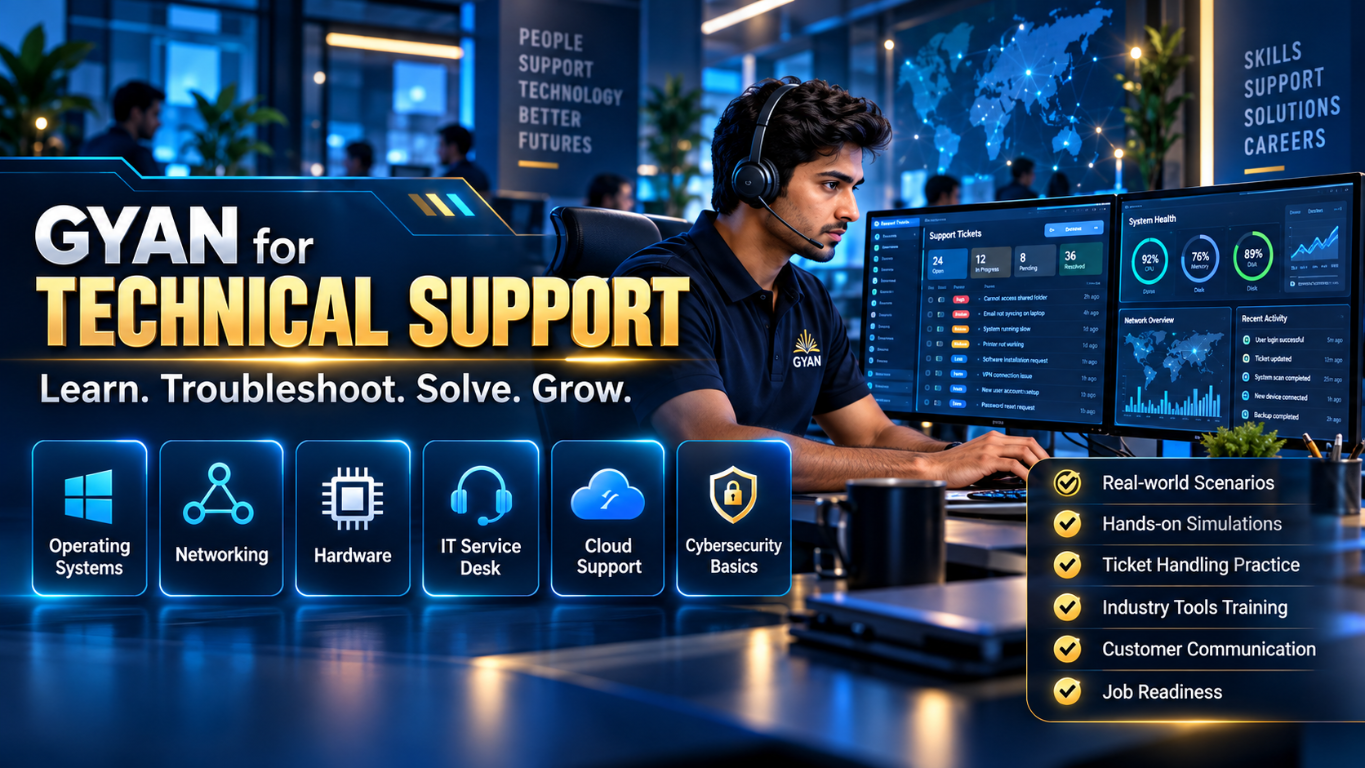
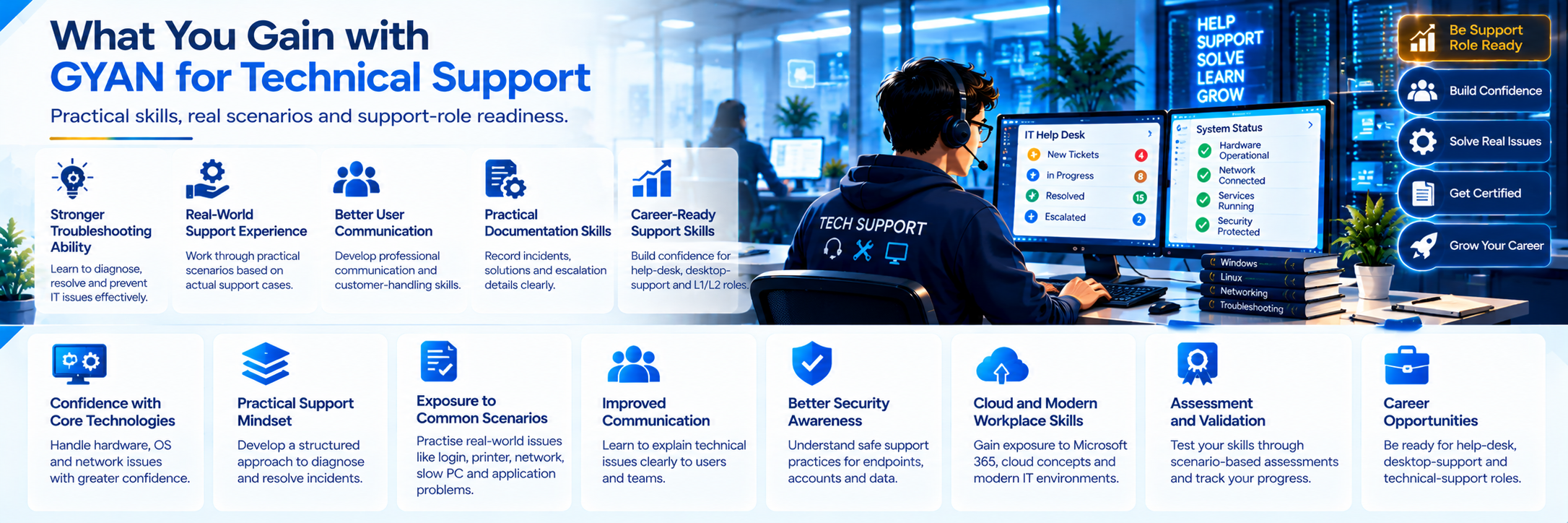
Build practical IT support capability across hardware, operating systems, networks, troubleshooting, users, security and cloud environments!
GYAN for Technical Support is a practical learning pathway for aspiring and working IT support professionals! It focuses on diagnosing problems, following structured troubleshooting methods, communicating with users and handling common enterprise technology scenarios!
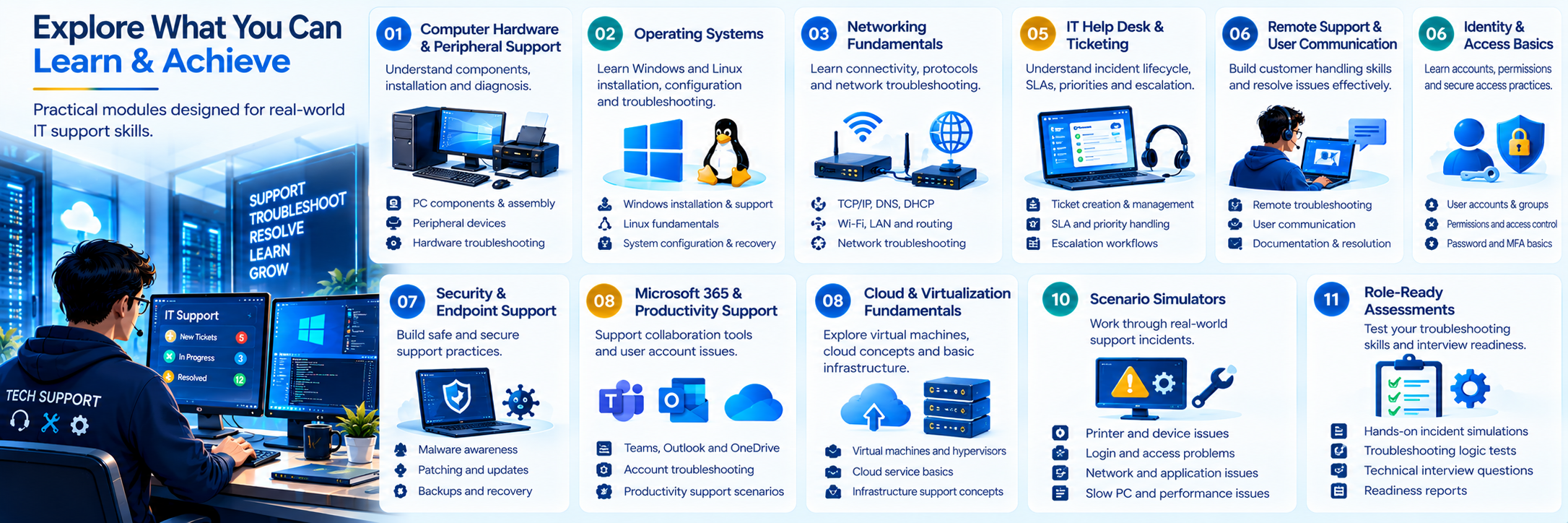
components, installation and diagnosis
Windows and Linux installation, configuration and troubleshooting
TCP/IP, DNS, DHCP, Wi-Fi, LAN and connectivity diagnosis
incident lifecycle, SLAs, priorities and escalation
customer handling, documentation and resolution
accounts, permissions and secure access practices
malware awareness, patching, backups and safe remediation
collaboration and account troubleshooting concepts
virtual machines, basic infrastructure and cloud concepts
printer, login, network, slow-PC and application incidents
incident simulations, troubleshooting logic and technical interviews
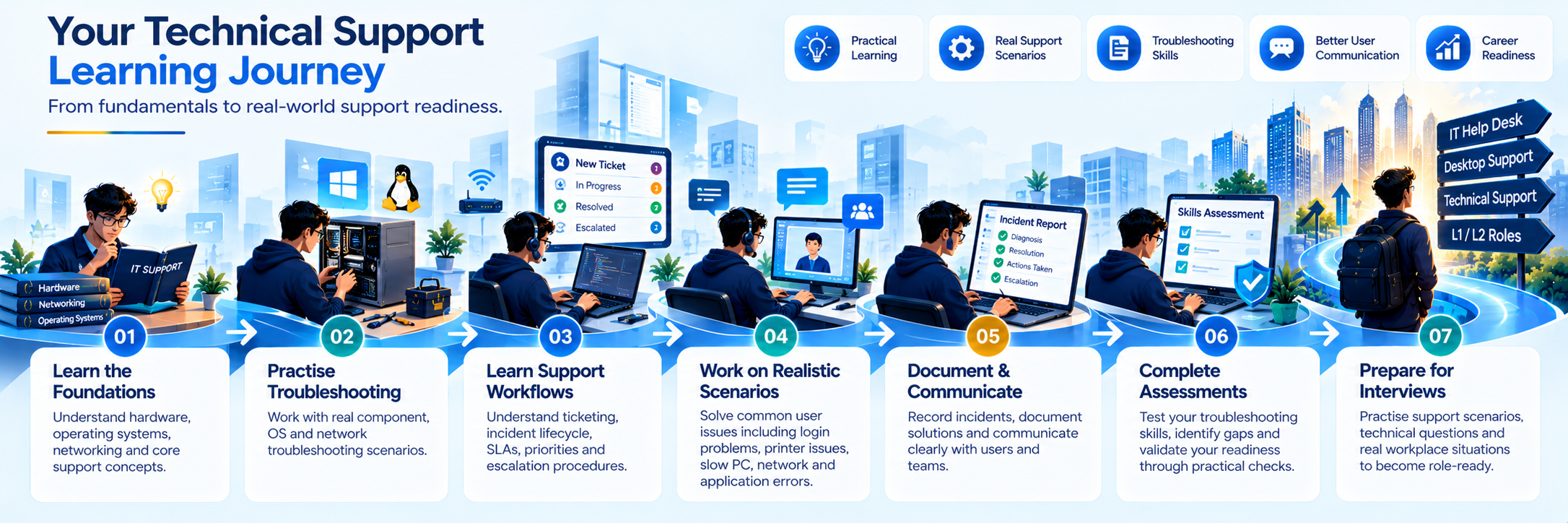
Learn the technical foundation!
Work through common support scenarios!
Practice diagnosis, resolution and escalation!
Document incidents and communicate solutions!
Complete assessments and identify readiness gaps!
Prepare for support-role interviews and workplace situations!
Learn hardware, OS and network basics
Practise component and system troubleshooting
Learn ticketing, user support and incident workflows
Work through simulated incidents
Document diagnosis, resolution and escalation
Complete practical troubleshooting checks
Prepare for L1/L2 support interviews
desktop essentials and operating systems
network, troubleshooting and service desk workflows
cloud basics, security and multi-issue scenarios
ticketing experience, support communication and role simulations